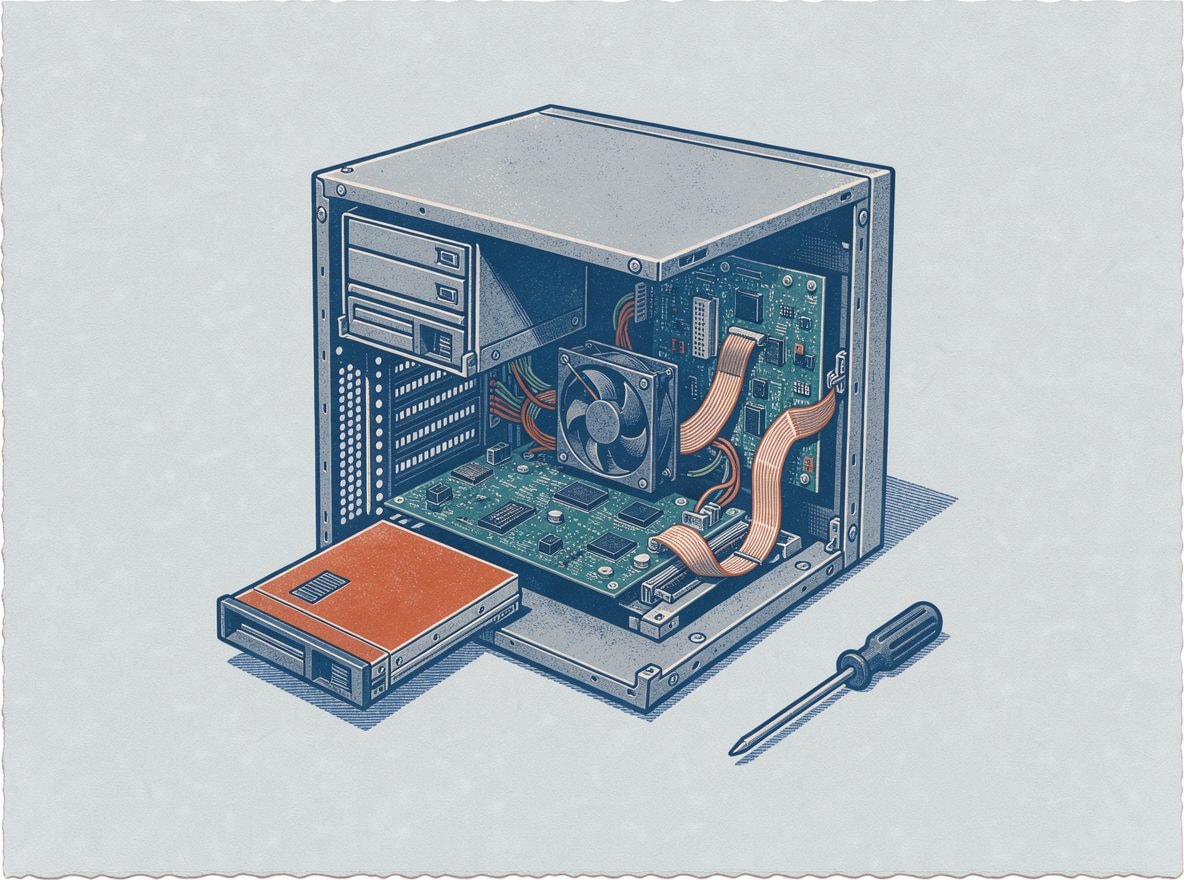
Follow a frame through the machine
Jason Dunn’s XP hardware series split the editing computer into sensible questions. Where does the incoming video go? What decodes it? Where can the program keep the working material? What makes the preview visible? A failure on the way in should be fixed before you start replacing components at the other end of the chain.
Start with a short passage you can repeat. Watch it on the camera, from the incoming file, on the timeline and in a finished export. Note the earliest stage where the fault is visible. A smooth export from a jerky preview suggests a different investigation from a source file that is already missing pieces.
Disk space, processor and memory
| Component | Its part in a Movie Maker session |
|---|---|
| Hard disk | Holds source material, the project, the finished movie and temporary files for disc authoring. |
| Processor | Decodes the material for playback and performs work during effects and encoding. |
| RAM | Keeps the editor’s active work close at hand. A system forced to use the disk heavily can feel sluggish. |
| Video adapter and monitor | Supply and display the preview, timeline, tools and controls. |
Dunn’s storage column began with the space video consumes. A tiny project file can refer to many gigabytes of DV tape. Plan for the source and final output at once. A DVD authoring program may need another set of temporary files. A nominally fast processor cannot render the last scene into space that has already run out.
His RAM column discussed 128 MB as a Movie Maker 2 minimum and 512 MB as a period recommendation. Those values belong to XP-era machines. The more durable question is whether the computer can keep the material needed for the current job available without constantly shifting it to disk.
Match the camera to its input
Digital tape, an analog deck and files from a memory card arrive differently. An IEEE 1394 port was the usual digital route for a DV tape camcorder. An analog deck needs a device that converts the picture and sound. A card with complete files can be copied to a working disk and imported. Identify the signal before buying a cable that merely has the right-looking plug. Bring a tape into your PC
Give the display its own check
Dunn objected to seeing an excellent computer hooked to a cramped old monitor. The issue was easy to reproduce. An editor who cannot distinguish one frame from the next or fit the timeline on screen will struggle regardless of processor speed. Increase the workspace, compare the source with a known-good viewing file and look for glare. The editing workstation article covers the person at the controls, while the DVD workshop follows the hardware through to a physical disc.