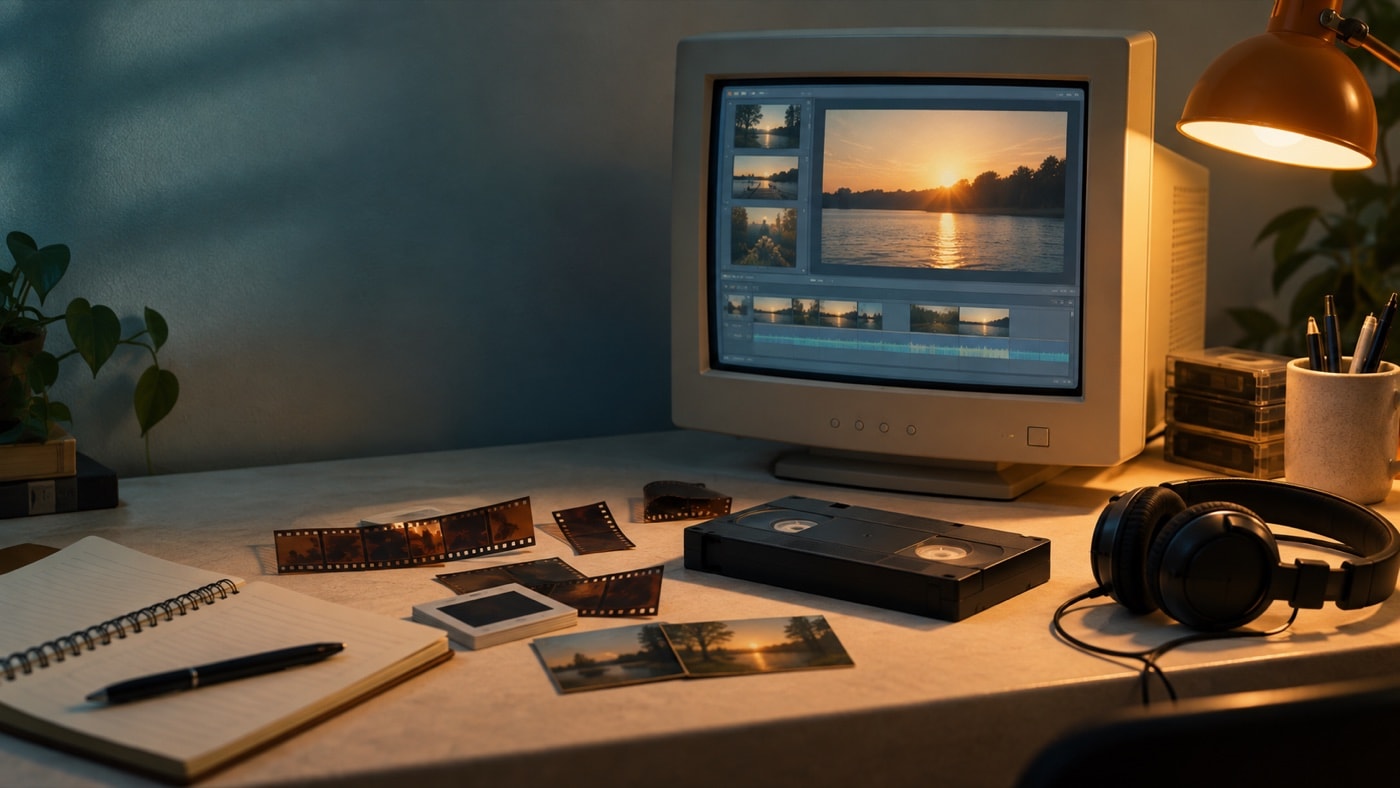
A guided route through the editing process
A good first project starts small. Bring in a short set of related clips, give every item a useful name and save the project before making detailed edits. The independent Movie Maker orientation explains the workspace, while the editing guide follows a project from rough assembly to a clearer final sequence. Separate guides cover trimming, transitions, visual effects, titles, still pictures and slideshows.
Sound deserves its own pass. Background music, location audio and narration compete for attention unless their roles are planned. Our community guides to adding music, recording narration and controlling volume show how to create a mix that supports the pictures.
A longer project also needs a plan for returning to it. End a picture pass with a short note naming the scene to tackle next and the decision still open, such as whether an arrival shot belongs before the first conversation. Separate that decision from technical chores like checking source folders or reviewing an export. The guide to editing marathons and your workstation connects those changing tasks with the arrangement of the desk. Before the next session, gather the clips and notes for that pass instead of reopening every unfinished task at once. For shared projects, identify which project version the note refers to and whether it asks for a picture change, a sound check or a title correction. This gives the next editor a specific starting point and keeps comments about different versions from being mistaken for instructions about the current cut.
Projects, movie files and old formats
A project file is a set of editing instructions, not a self-contained movie. It depends on the source pictures, audio and video remaining where the project expects them. That distinction explains many old-project failures and is central to our guide on saving projects safely. When the edit is complete, the export step creates a separate movie file for viewing or later use.
Legacy video also involves containers, codecs, frame sizes and bitrates. An AVI filename does not identify every technical ingredient inside the file. The codecs and containers article offers a plain-language way to diagnose playback trouble without promising a single universal fix.
An early home-video community
The community grew around tutorials, technical articles and forum conversations among people learning desktop video in the 2000s. Recurring editing questions connect with the subjects covered in the tutorials and articles. Contributor names and posts stay unpublished; the forum accepts no contributions.
Movie Maker belongs to a discontinued generation of consumer editing. The after Movie Maker guide explains that change and offers durable criteria for evaluating a modern editing workflow without naming or promoting replacements. Begin with the tutorial index, browse the technical articles, or visit the community forum topics.