An approachable editing model
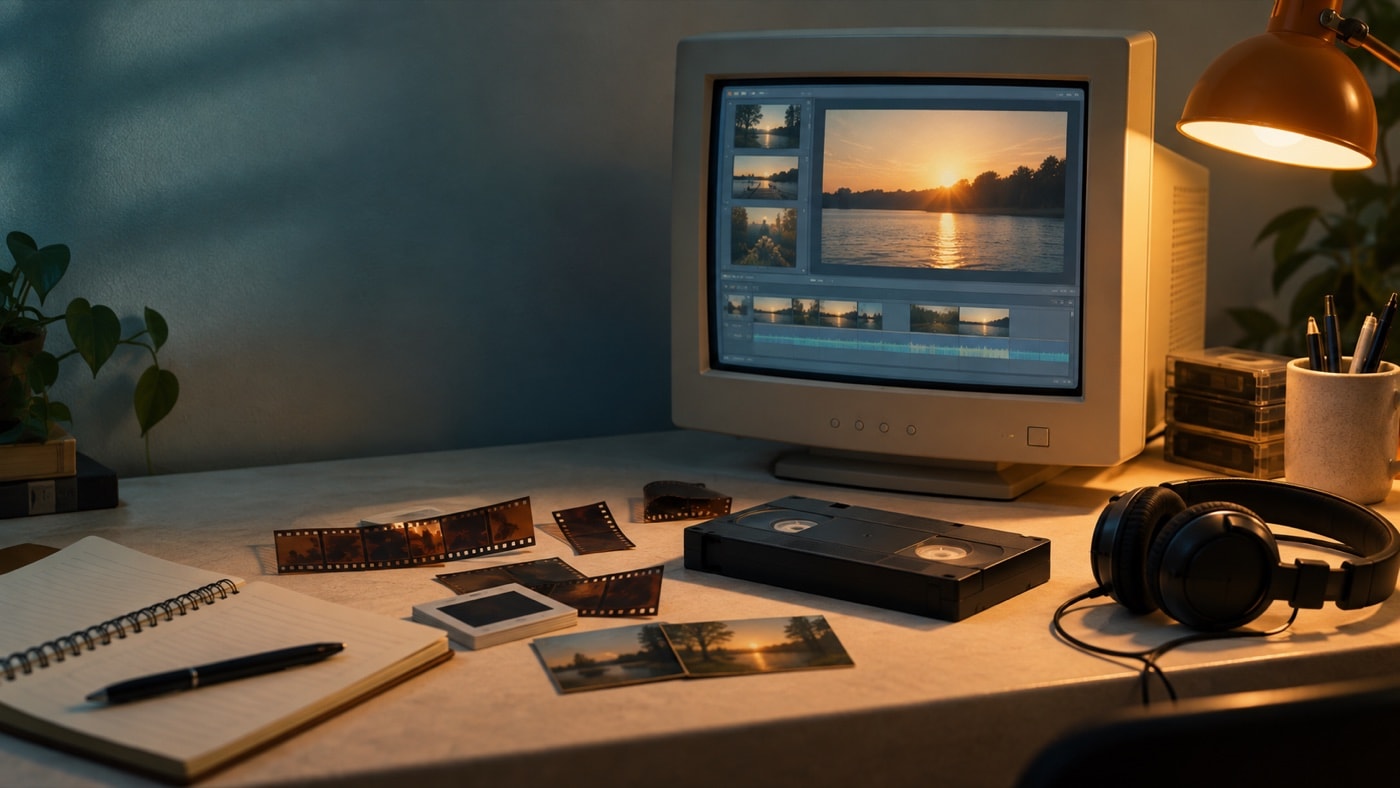
The collections area gave source clips a home inside the project. The storyboard made broad order easy to see, while the timeline revealed exact duration, sound and title placement. Switching between those views helped beginners learn that sequence and timing were related but different decisions.
Tasks were phrased around outcomes rather than production jargon. That encouraged a first-time editor to proceed in stages. The interface worked especially well for short family movies, school projects and simple photo sequences where a single video track and a modest sound plan were enough.
Tools that supported a complete small project
Editors could split and trim clips, add transitions and effects, place titles, combine camera sound with music or narration, and save a finished WMV or other supported result. The program also connected naturally to the tape-camera workflow common at the time. These tools covered the essential grammar of a small movie without requiring a complex production environment.
Limits that shaped the work
The simple track layout became restrictive when a project needed many simultaneous picture or sound layers. Format compatibility depended on more than a filename, and a project could fail when linked source files moved. The preview did not always represent every quality detail of the finished result. Playable DVD creation also remained a separate stage rather than a native Movie Maker 2 function.
Those constraints rewarded good housekeeping: stable folders, versioned project files, short tests and a clear distinction between project instructions and finished media.
What remains useful
The program's basic sequence still teaches durable editing habits. Select before decorating. Build a rough cut before detailed sound. Use titles to add information, not repeat the picture. Review a finished file outside the project. Preserve sources separately.
For hands-on context, begin with the independent workspace guide. For the later product transition, read what changed after Movie Maker. This retrospective is historical assessment, not an endorsement.